 Lune
Lune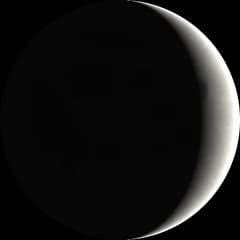
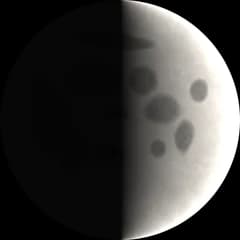
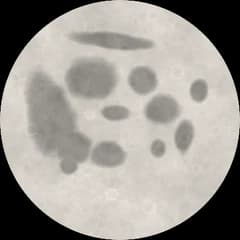
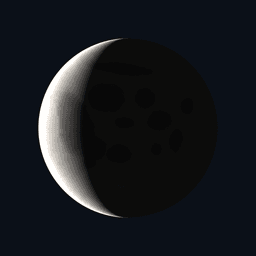
Coming soon to iPhone & Android
Today’s moon, beautifully presented
A calm, accurate moon-phase companion. Swipe through every phase, plan around full moons and keep tonight’s moon on your home screen.
Join the waitlist and we’ll email you a launch promo code.
Every phase, one swipe away
Why Lune
Just the moon, done properly.
Moon apps are crowded with ads, charts and astrology.
One calm screen with the moon, its phase and what’s next.
You never know when the next full moon is until someone mentions it.
A countdown on the first screen, and a reminder if you want one.
Checking the moon means opening an app, signing in, waiting.
It opens instantly, works offline, and has a widget.
How it works
Four things to try first
- 1
Open tonight’s moon
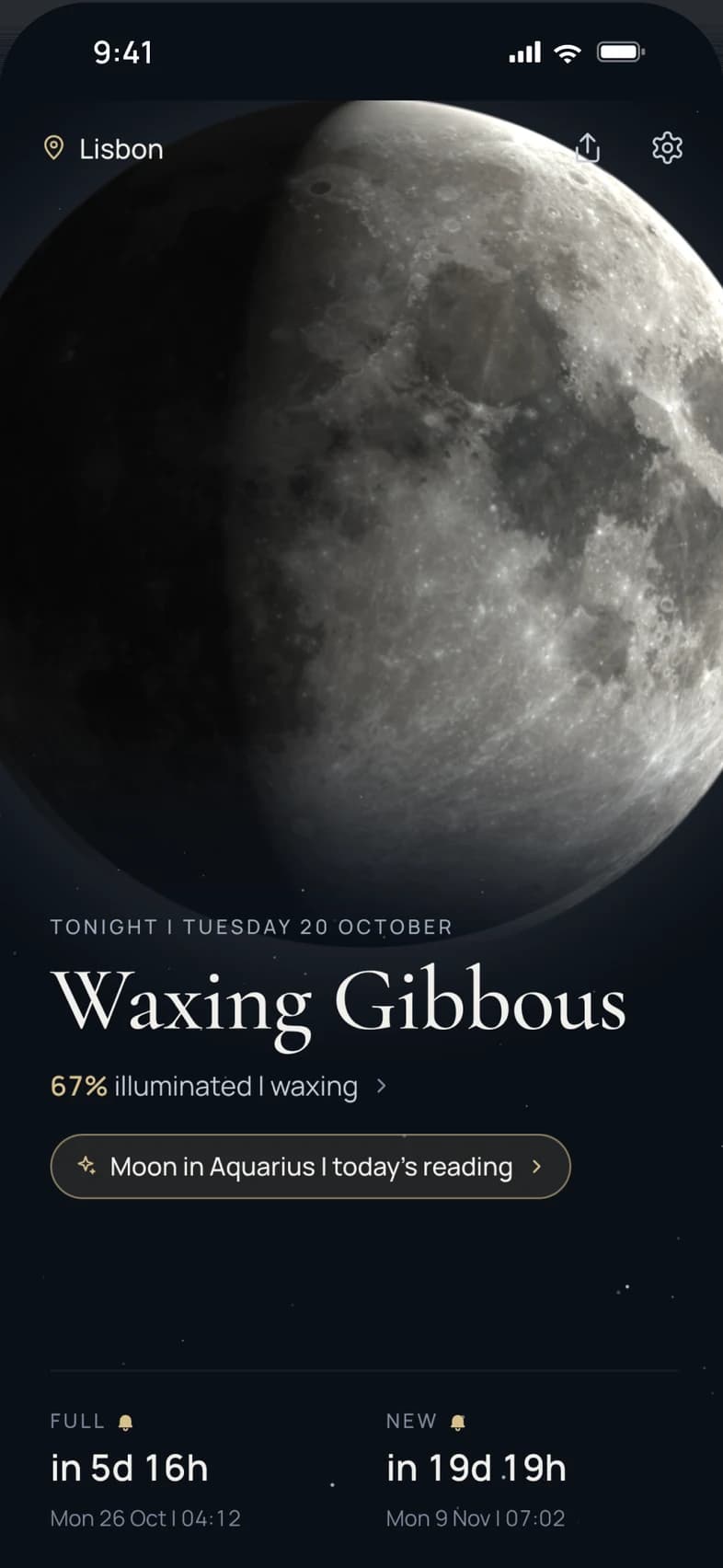
Lune opens straight to the moon as it is right now: its phase, how much is lit, and a countdown to the next full and new moon. Drag across it to travel to any night.
- 2
See it from where you are
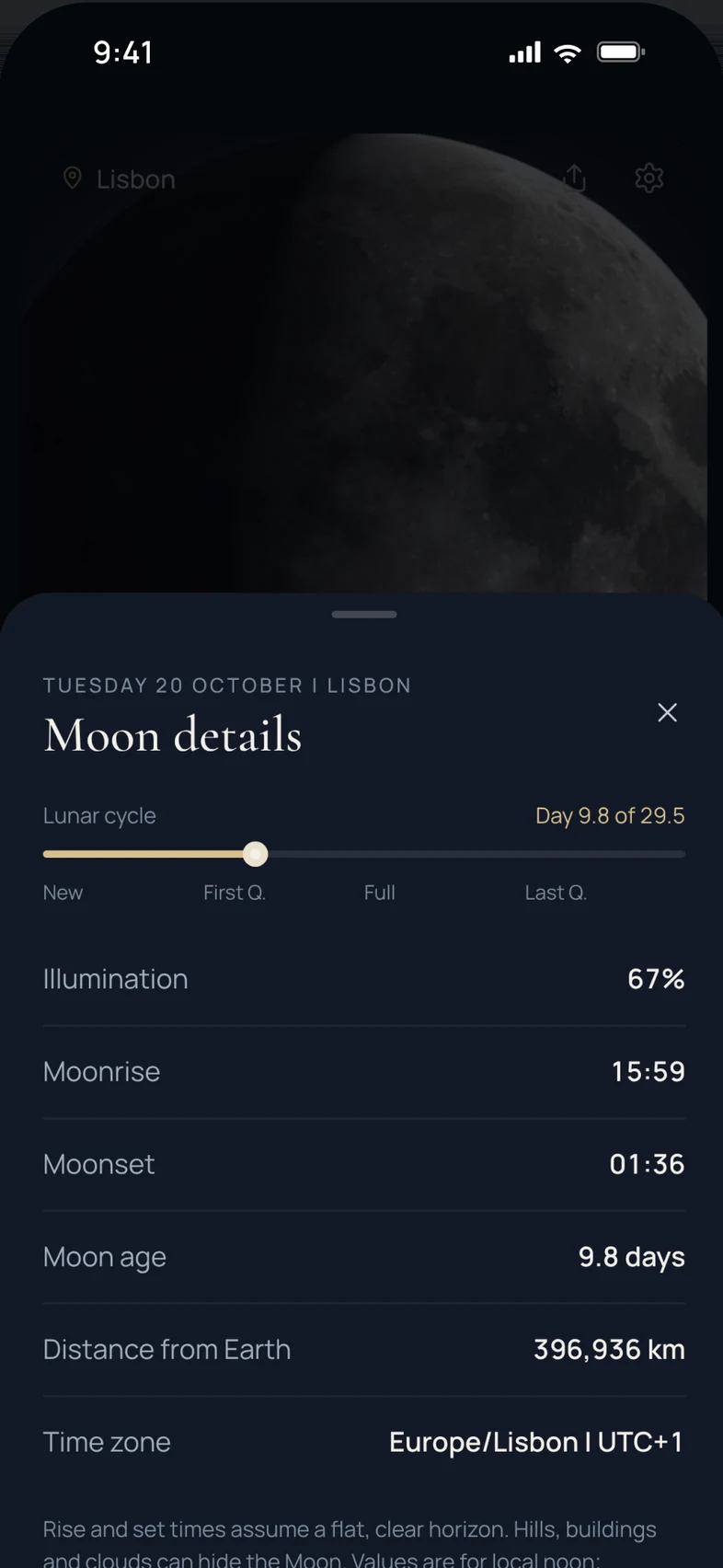
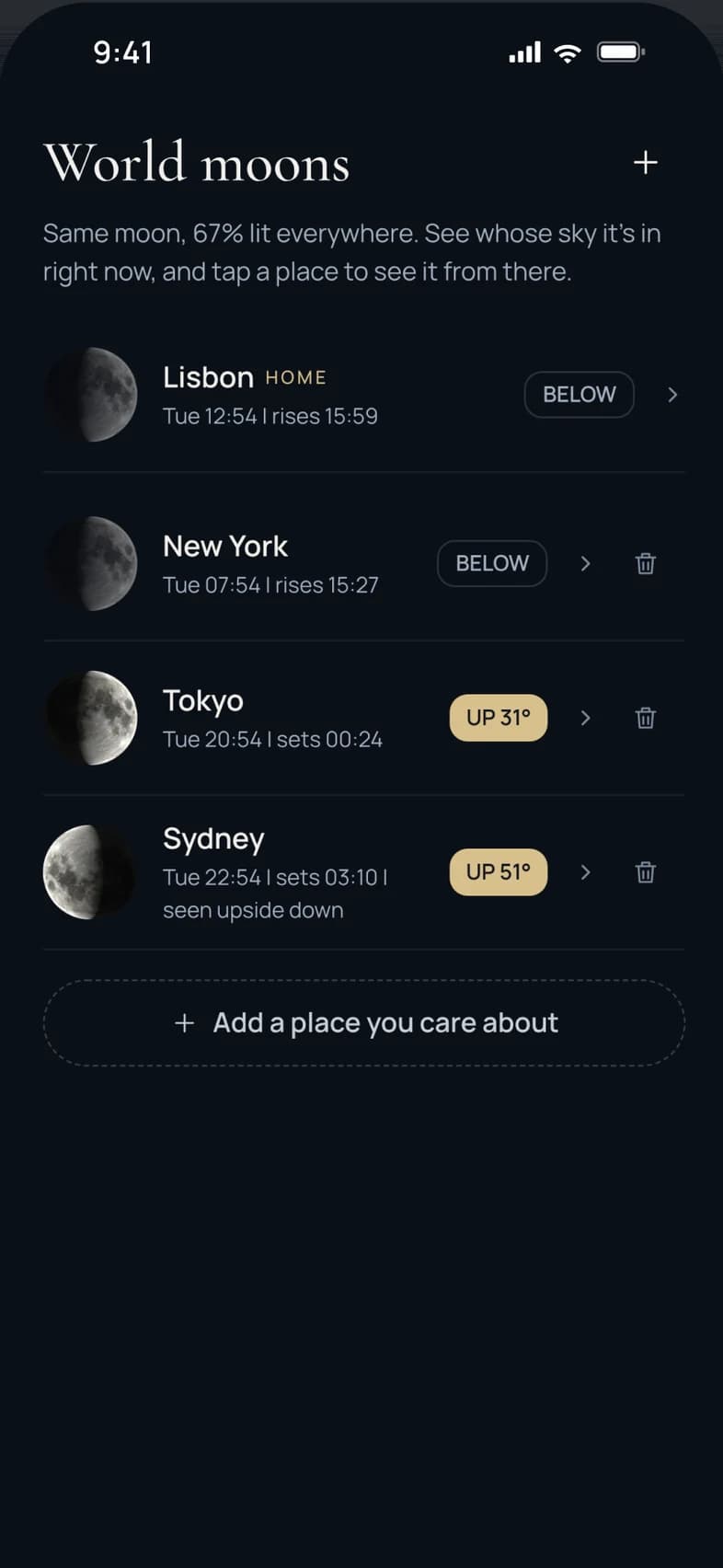
Tap the moon for moonrise, moonset, its age and distance, calculated for your place and shown in its own time zone.
- 3
See the whole month
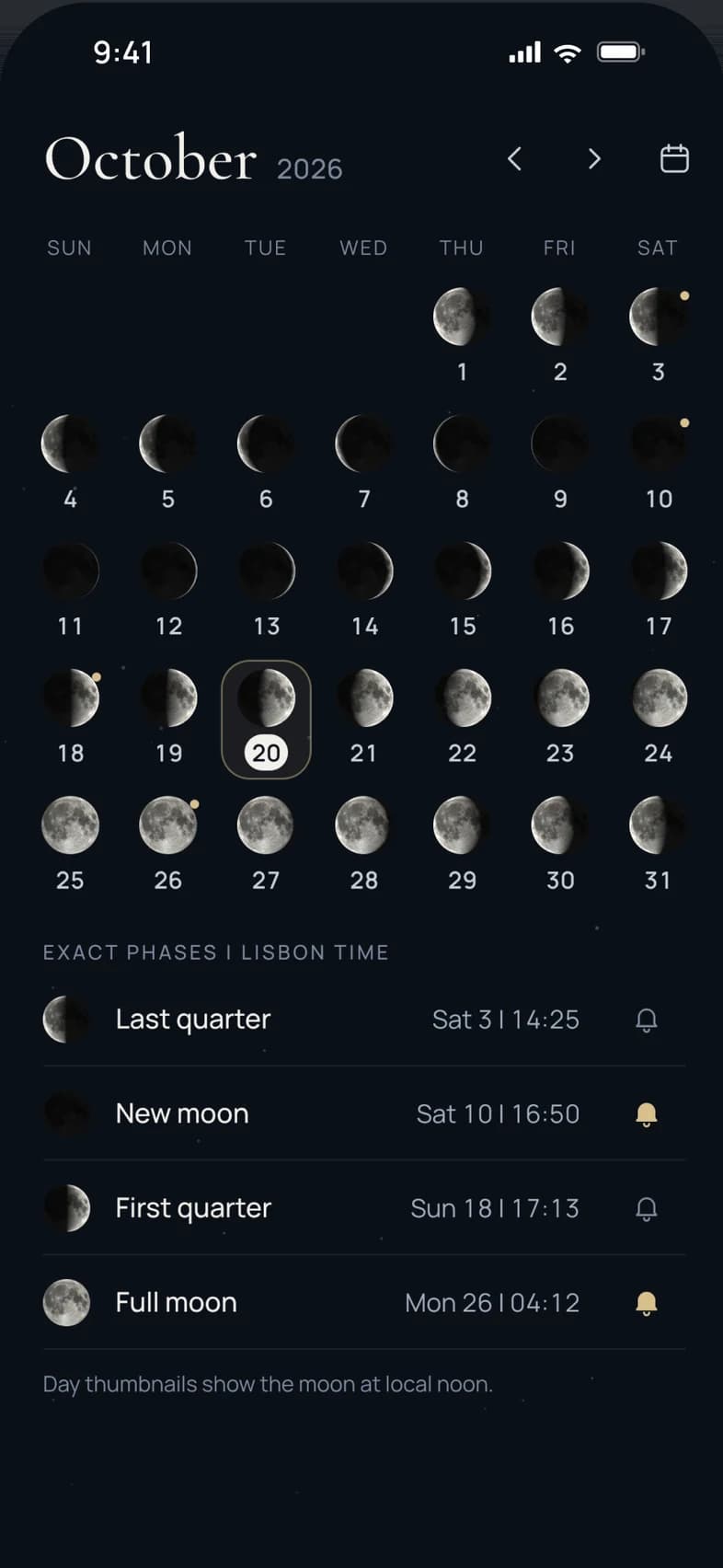
The calendar shows a moon for every day with the exact times of each quarter. Tap a day for its details, or jump to any date.
- 4
Never miss a full moon
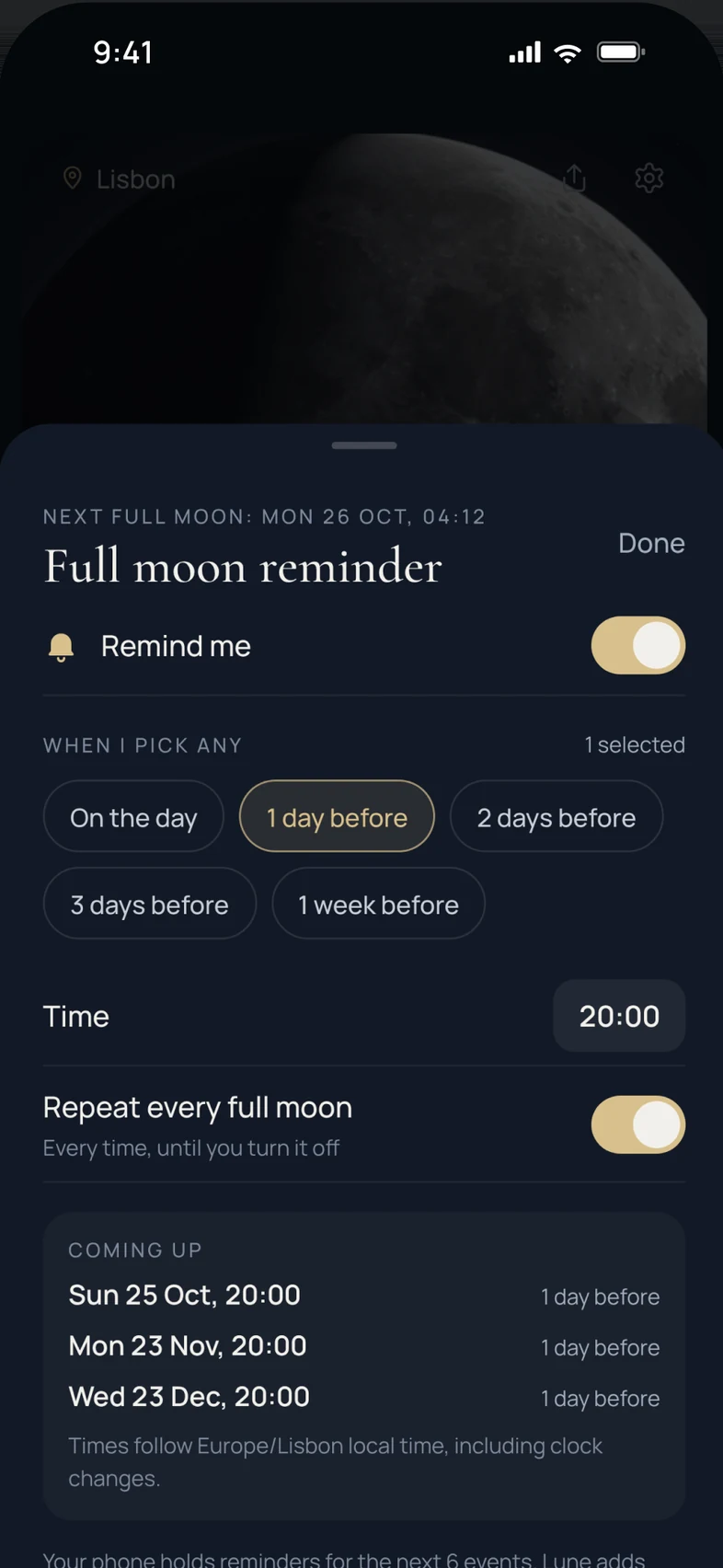
Choose a reminder before each full or new moon, and add a widget to see tonight’s moon without opening the app.
What’s inside
Made for looking up
A moon worth looking at
A huge, softly lit moon that fades into a twinkling night sky, with a gentle terminator and earthshine.
Exact, not approximate
Phase, illumination and the exact moment of every quarter are calculated on your phone with astronomy-grade software.
Moonrise and moonset
Add the place where you watch the sky and see local rise and set times in its own time zone.
Full and new moon reminders
Pick how long before each full or new moon you’d like a nudge, at the time of day you choose.
Home-screen widgets
One free widget and three more with Lune Pro, on both iPhone and Android.
Share cards
Turn any night’s moon into a card, made on your phone, and send it wherever you like.
Your privacy
Your sky stays yours
Lune needs very little to show you the moon, and keeps even less.
- No account, works offlineMoon phases are calculated on your phone. There’s no sign-up, and everything except online city search and purchases works without a connection.
- Your place stays on your phoneLocation is asked for once, only when you tap “Use my location”, and is rounded and kept on the device. Prefer not to share it? Choose a city instead.
- Reminders are localNotifications are scheduled on your phone. Nothing about them is sent to us.
- Anonymous usage counts onlyLune counts a few anonymous in-app events to improve the app. They never include your location or anything you type.
FAQ
Questions, answered
When does Lune launch?
Soon, on iPhone and Android. Join the waitlist and we’ll email you the day it goes live.
What do I get for joining the waitlist?
An email when Lune launches, with a promo code for waitlist members. We send the code by email only, and it won’t appear on this page.
Is Lune free?
Lune is free to download, and the moon, calendar, reminders and one widget are complete without paying. Lune Pro is a one-time purchase, not a subscription, that adds themes, more widgets, more places, more reminder options and share styles.
Do I need an account?
No. Download it and open it. Your places and settings stay on your phone.
Does it work offline?
Yes. Phases, the calendar, reminders and widgets all work without a connection. Only the optional online city search and purchases need the internet.
Does Lune need my location?
Only if you want it. Your place sets moonrise and moonset times. You can use your location once, or pick a city from the built-in list.
Which languages does it support?
English at launch.
Will you spam me?
No. We’ll only email you about Lune’s launch and your promo code, and every email has an unsubscribe link.
Be first in line when Lune launches
Join the waitlist and we’ll email you a promo code on launch day.