 Hopshelf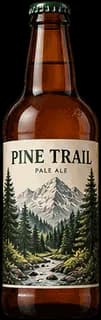
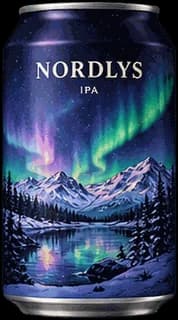
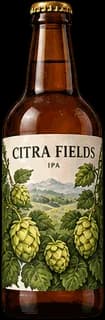
Coming soon to iPhone & Android
Every beer.
Beautifully kept.
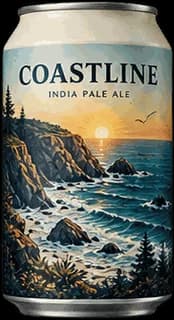
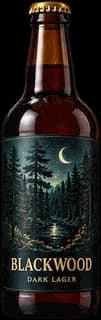
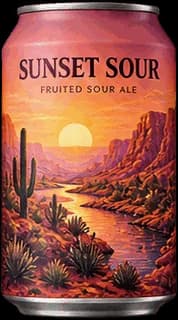
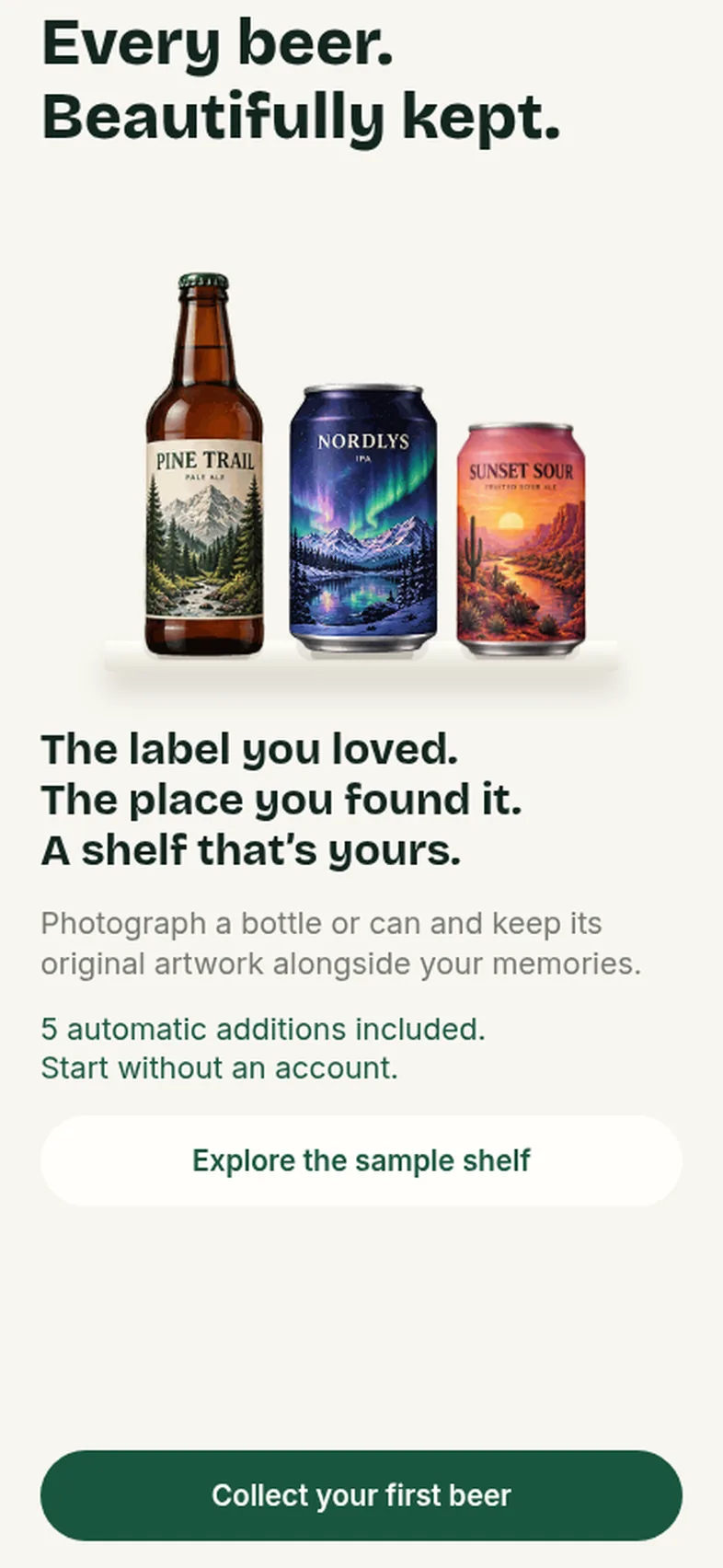
Photograph a bottle or can and keep its original artwork on a shelf of your own, with the rating and the memory behind every beer.
Join the waitlist and we’ll email you a launch promo code.
Bottles and cans, kept with their original artwork
For adults of legal drinking age. Alcohol-free beers welcome. Please enjoy responsibly.
Why Hopshelf
A shelf, not a feed.
Beer apps want you to check in, compete and keep drinking.
A calm place to keep what you’ve tried. No feeds, no badges for drinking.
Your photos and ratings are scattered across your phone.
One shelf with the label you loved, the date and the memory behind it.
You have to sign up before you can see anything.
Start without an account. Link one later if you want your shelf backed up.
How it works
Four steps, one beer at a time
- 1
Photograph the package
Frame the whole bottle or can in good light, and add the back if you like. Hopshelf keeps your original photo as the artwork.
- 2
Check the details
It suggests the label details it can read, like the name, brewery and style. You check and edit them, and anything it can’t read stays empty.
- 3
Put it on your shelf
Confirm, and your beer joins the collection. Already own it? Add another tasting instead, for free.
- 4
Rate it and keep a memory
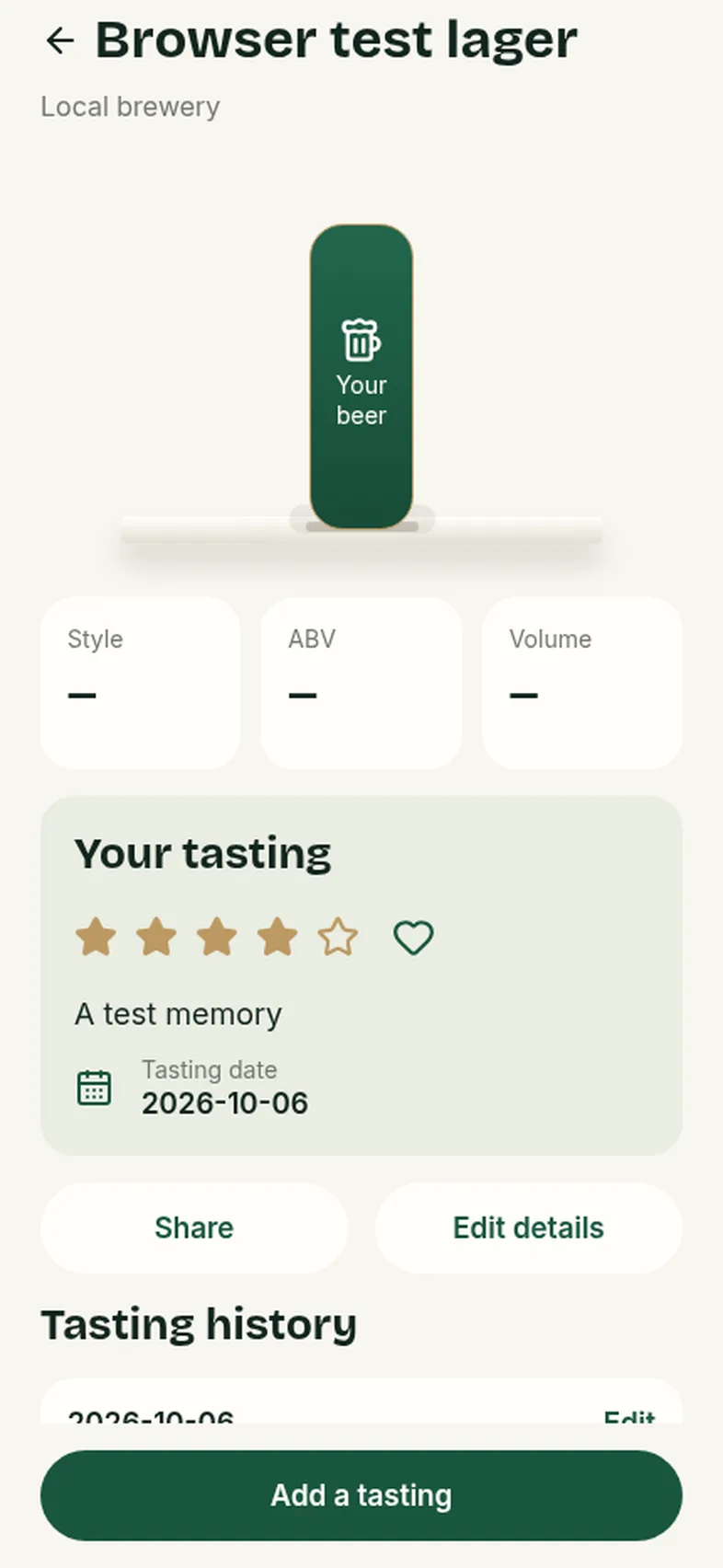
Add stars, a note, a date and an optional photo. Every time you try it again, it’s added to the tasting history.
What’s inside
Made for collectors
Original artwork
Your own photo of the can or bottle is kept, with the label cropped on your phone to sit on your shelf.
A real shelf
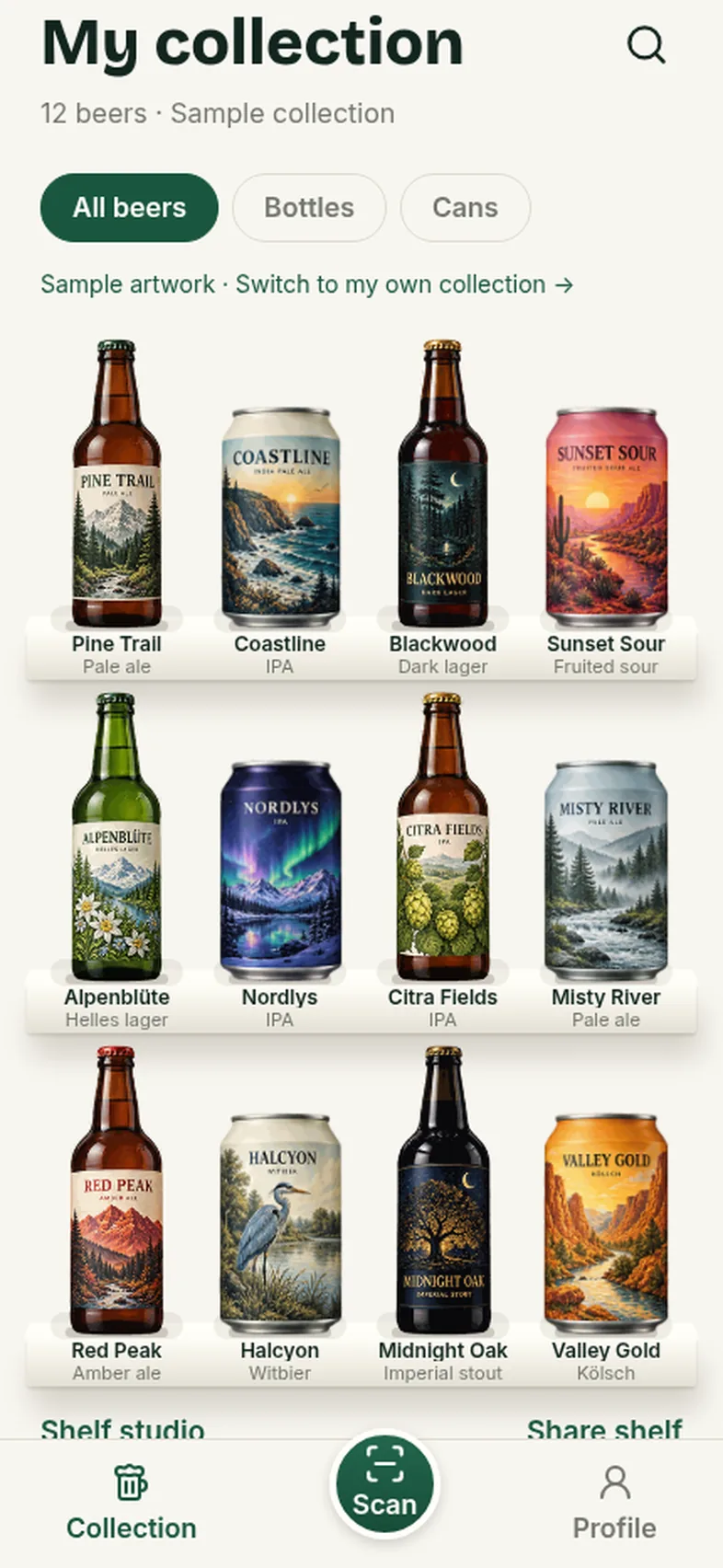
Bottles and cans stand on shelves you can search and filter. Make it ivory, wood, dark or metal.
Add it your way
Scan it, pick a photo, or type it in. Adding a beer by hand is always free.
Tastings and memories
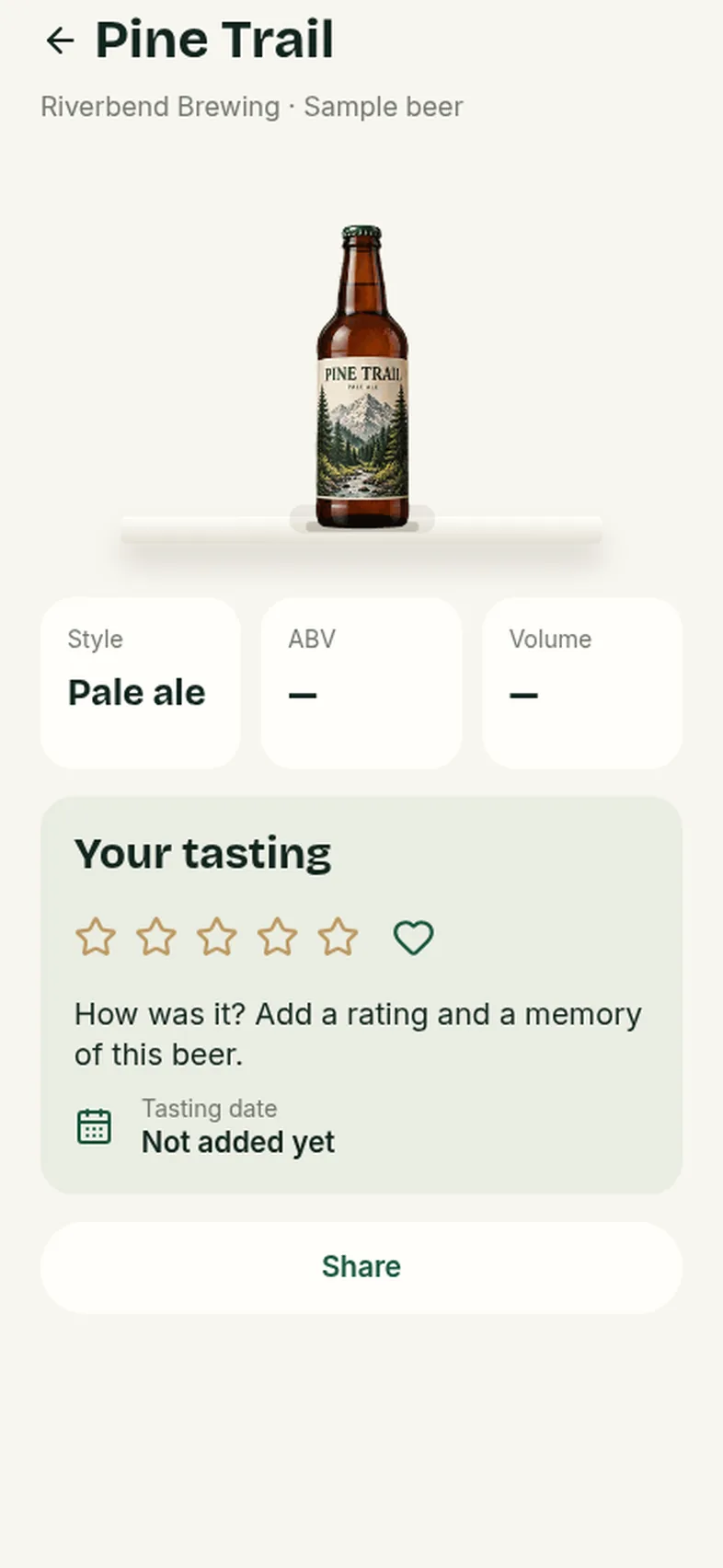
Ratings, notes, favourites and photos, plus a history for every time you have it again.
Collections and tags
Group beers your way and rearrange the shelf. See your breweries, styles and countries at a glance.
Share cards
Turn a beer or your whole shelf into a poster to share. Your private notes are never on it.
Your privacy
Your shelf stays yours
Hopshelf keeps your beers and memories on your phone first, and you choose whether to back them up.
- Your shelf lives on your phoneYour beers, photos and notes are stored on the device first. You can use the app without an account.
- Private by designIf you link an account to back up or recover your shelf, your data goes to a private store only you can reach. Notes never appear on share cards.
- No ads, no tracking of youThere are no ad networks and no advertising ID. The only analytics are optional, minimal and off unless you choose them.
- Export or delete anytimeDownload your collection with its photos, or delete the app’s data in one step.
FAQ
Questions, answered
When does Hopshelf launch?
Soon, on iPhone and Android. Join the waitlist and we’ll email you the day it goes live.
What do I get for joining the waitlist?
An email when Hopshelf launches, with a promo code for waitlist members. We send the code by email only, and it won’t appear on this page.
Is it for people who drink a lot?
No. It’s for people who like keeping a record of the beers they’ve tried, and alcohol-free beers are welcome too. There are no drinking rewards, streaks or competitions. The app is for adults of legal drinking age.
How does adding a beer work?
Photograph the front, and the back if you like. The app suggests the details it can read from the label, and you check and edit them before saving. If it can’t read something, that field stays empty. You can also add a beer by hand, which is always free.
Is it free?
You get a few automatic additions to start, and manual additions, repeat tastings, sharing, export and deletion are free. More automatic additions come in packs, and a one-time Premium purchase adds shelf themes, collections, tags, arrangement and richer posters. There’s no subscription.
Do I need an account?
No. You can start straight away. Linking an Apple or Google account is optional and lets you recover your shelf on a new phone.
What if I add the same beer twice?
The app notices and offers to add a new tasting to the beer you already have, at no cost.
Will you spam me?
No. We’ll only email you about Hopshelf’s launch and your promo code, and every email has an unsubscribe link.
Be first in line when Hopshelf launches
Join the waitlist and we’ll email you a promo code on launch day.